Copy the video URL and paste it into the input box to start the audio extraction process.

Convert YouTube video to MP3 for audio editing, vocal removal, and personal use
Only convert content that you own or have permission to use.
Copy the video URL and paste it into the input box to start the audio extraction process.
The tool will extract audio from YouTube video and convert it into a high-quality MP3 audio file.
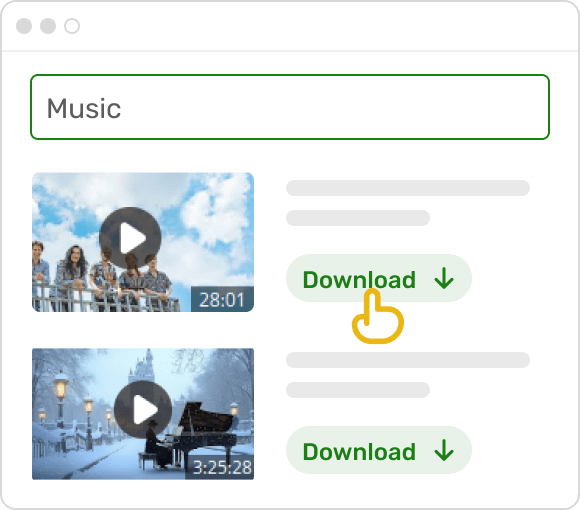
Once it's ready, download your MP3 audio file and use it for podcasts, music practice, or other audio projects.
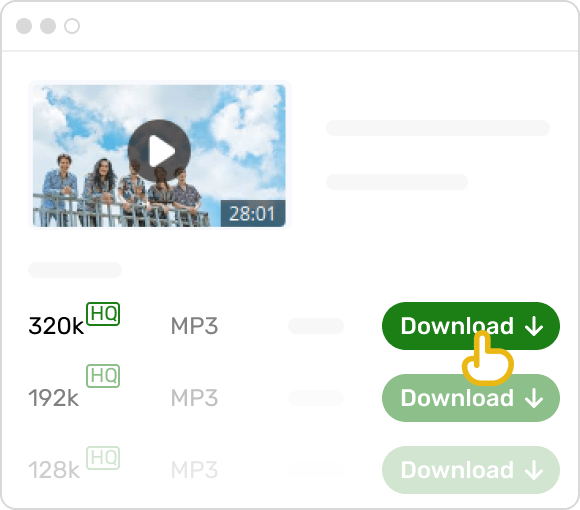
Step 1. Copy the video link.
Step 2. Paste it into the free YouTube to MP3 converter.
Step 3. Convert and download the MP3.
You can convert YouTube videos to MP3 on your mobile phone the same way as on desktop. Just copy the video URL, open the YouTube converter page in your mobile browser, and paste the link. The process is fully online, so there's no need to install any apps.
Most YouTube converters offer multiple quality options such as 128 kbps, 192 kbps, and 320 kbps.
- 128 kbps is suitable for casual listening and smaller file sizes
- 192 kbps provides a good balance between quality and size
- 320 kbps delivers the best audio quality, ideal for editing or music projects
Choosing higher quality is recommended if you plan to use the audio for vocal removal or further processing.
In most cases, converting a YouTube video to MP3 takes only 10-15 seconds. Longer videos may take a bit more time, but the process is generally fast and depends on the video length and your internet connection.
You can convert videos up to 120 minutes in length. This allows you to process full-length content such as podcasts, interviews, or long music mixes without needing to split them into smaller parts.
Yes, the YouTube MP3 converter is free to use for basic conversion. You can extract audio and download MP3 files without creating an account. For best practice, make sure you only convert content you have permission to use.
If you like our Free YouTube to MP3 Converter, please rate us 5 stars!
of 5 stars, 1402 reviews
Last Updated: 2026-07-31
